Export Data
8
import matplotlib.pyplot as plt
import numpy as np
import pandas as pd
import hotstepper as hs
import hotstepper.samples as samples
9
hotel_stays = samples.hotel_stays_sample()
hotel_stays.plot(figsize=(12,7))
9
<AxesSubplot:>
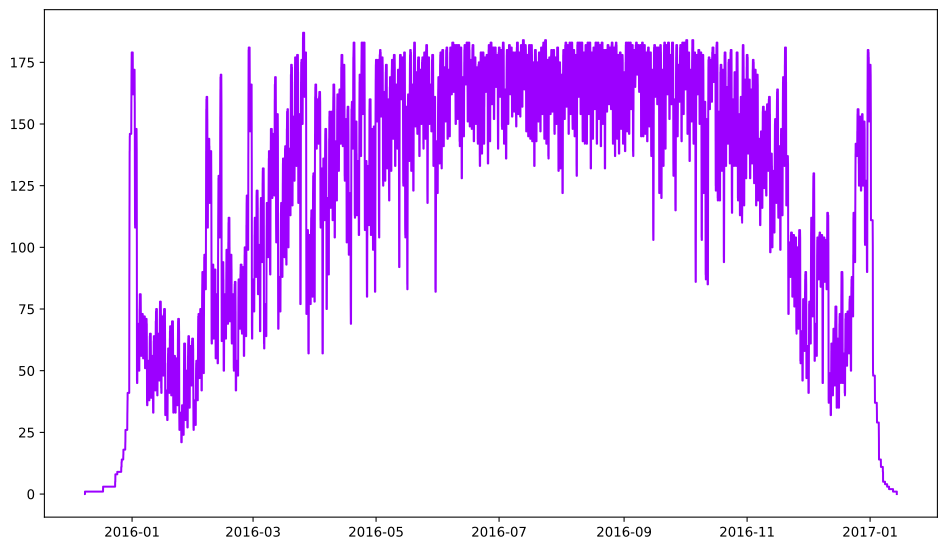
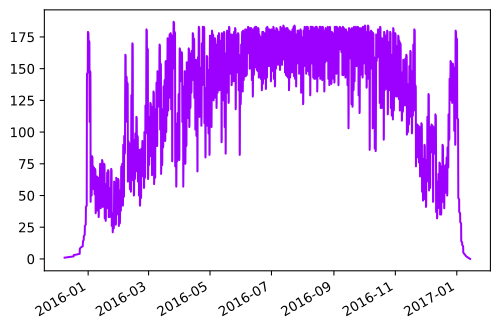
Hotstepper has the ability to export step data, albeit the method reuses the same method a few times. In short, the ability to export data using the Pandas series structure will suit most use cases. All this can be done with a call the the series() method.
10
stays_series = hotel_stays.series()
stays_series.plot()
10
<AxesSubplot:>
With a Pandas series object, we can quickly convert it to a dataframe
11
df_stays = stays_series.to_frame().reset_index()
df_stays.rename(columns={'index':'key',0:'value'},inplace=True)
df_stays
11
| key | value | |
|---|---|---|
| 0 | 2015-12-08 15:33:00 | 1.0 |
| 1 | 2015-12-17 14:19:00 | 2.0 |
| 2 | 2015-12-17 15:19:00 | 3.0 |
| 3 | 2015-12-23 14:02:00 | 4.0 |
| 4 | 2015-12-23 14:38:00 | 5.0 |
| ... | ... | ... |
| 24880 | 2017-01-08 09:29:00 | 4.0 |
| 24881 | 2017-01-09 10:28:00 | 3.0 |
| 24882 | 2017-01-10 09:30:00 | 2.0 |
| 24883 | 2017-01-12 08:48:00 | 1.0 |
| 24884 | 2017-01-14 05:48:00 | 0.0 |
24885 rows × 2 columns
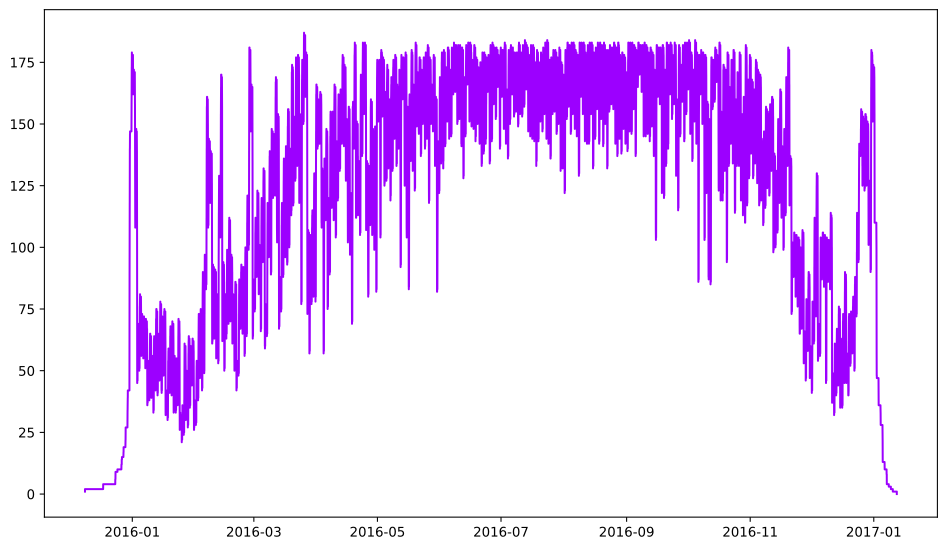
Or we can use the Pandas series to create a dictionary, to prove the dictionary is well structured, we can read it back in to confirm we land back were we started.
12
hotel_dict = hotel_stays.series().to_dict()

hotel_from_dict = hs.Steps.read_dict(hotel_dict)
hotel_from_dict.plot(figsize=(12,7))
12
<AxesSubplot:>
What about other data fro HotStepper, well, the swiss army knife series() method actually has another trick, you can pass it other data as a parameter to get it in a Pandas Series object, from there, you can go to town.
13
hotel_stays_histo_data = hotel_stays.series(hotel_stays.histogram())

#this is a Pandas Series object
hotel_stays_histo_data.plot(kind='bar')

#the original steps object
hotel_stays.histogram_plot(figsize=(10,6))
13
<AxesSubplot:title={'center':'Step Values Histogram'}, xlabel='Steps Range'>
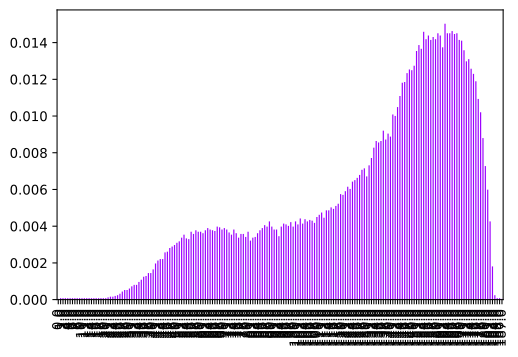
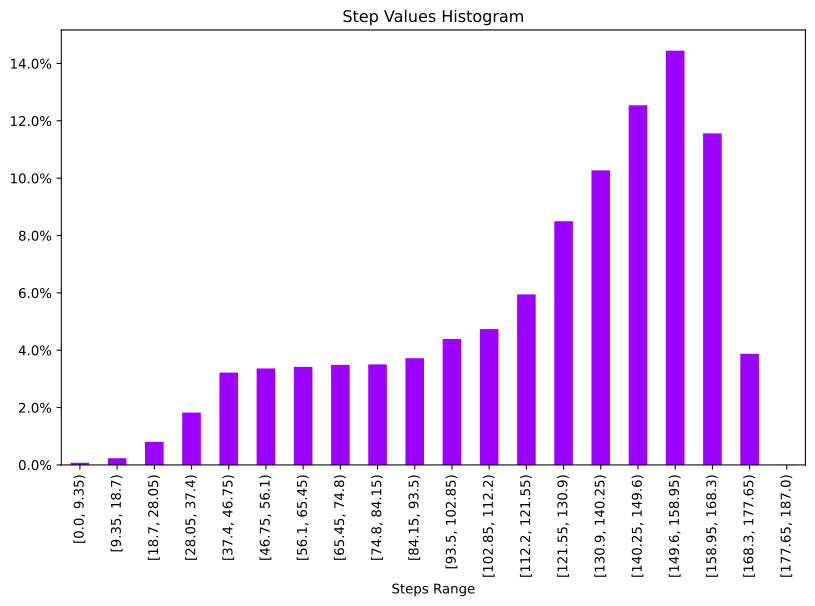
Once we have the data in a Pandas Series object, saving to multiple formats is as easy as calling the required method on the series object, for a list of output writers, please see the docs
14
#save to csv for later
hotel_stays_histo_data.to_csv('hotel_histo_data.csv')